
You Need This Portable Monitor!

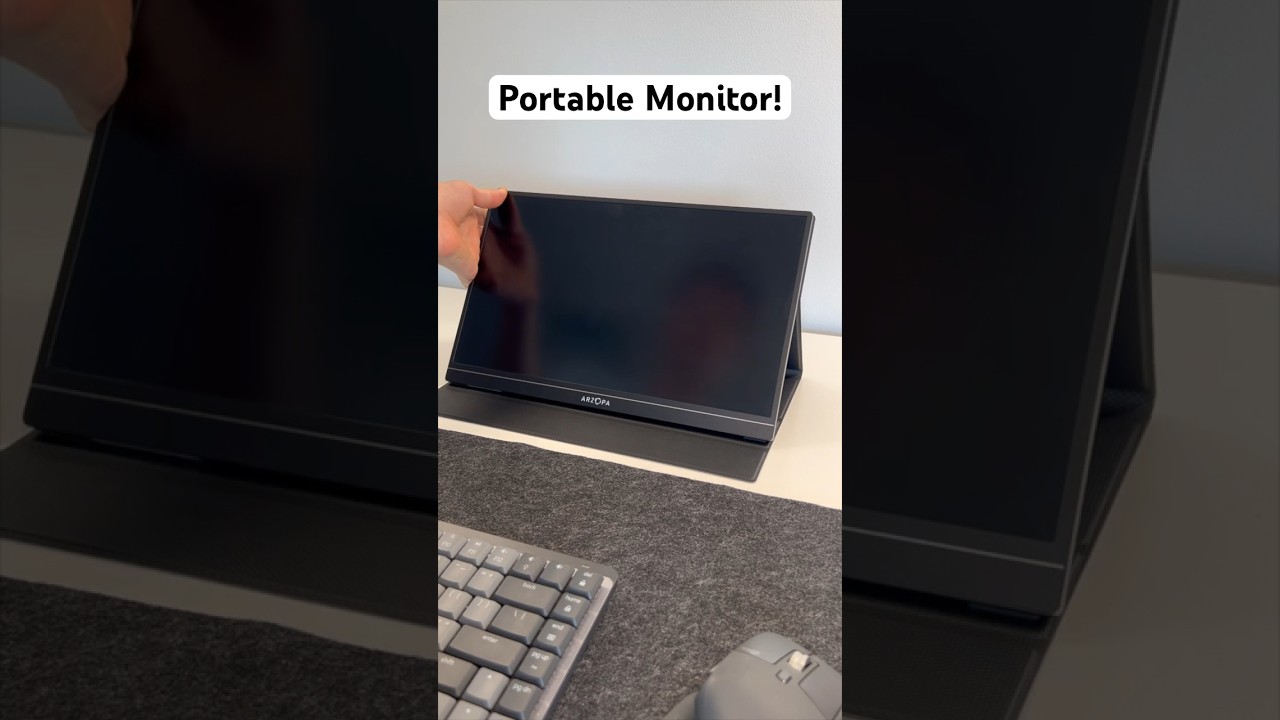
- 🖥️ Portable monitor is very small: The video shows a portable monitor that’s compact and easy to carry.
- 🔌 Simple setup: You just plug it into the monitor and then plug it into your computer to start using it.
- ⚡ No extra power needed: It doesn’t need its own power source to work.
You Need This Portable Monitor: The Simple Upgrade for Work, Travel, and Everyday Use
If you’ve ever wished you had more screen space while working on a laptop, a portable monitor might be exactly what you need. This small, lightweight second screen is an easy way to boost productivity without setting up a full desk monitor.
What Makes This Portable Monitor So Useful?
The best thing about a portable monitor is how compact it is. It’s surprisingly small, which makes it great for travel, remote work, school, or even moving between rooms at home. You get the benefits of a second display without the bulk of a traditional monitor.
Portable Monitor Setup: Plug In and Start Using It
Setting this portable monitor up is very simple. There’s no long process and no complicated steps.
- Plug the cable into the portable monitor.
- Plug the other end into your computer.
That’s it. Once it’s connected, you can start using it right away.
No Extra Power Needed
One of the most convenient features is that this portable monitor doesn’t need its own power source. That means no extra power cable and no hunting for an outlet. It can run directly through the connection to your computer, making it even easier to use on the go.
Why a Portable Monitor Is Worth It
A portable monitor can make everyday tasks smoother, especially if you:
- Work with spreadsheets, documents, or emails
- Need a second screen for multitasking
- Travel often and want a lightweight setup
- Want a quick and clean dual-screen experience anywhere
Final Thoughts
If you want a simple way to upgrade your laptop setup, this portable monitor is a smart choice. It’s small, easy to connect, and doesn’t require extra power. Just plug it into your monitor and computer, and you’re ready to go.
## Setup I’m really excited to show you this. This is a portable monitor, and seriously—look at this. It’s so small. To get it set up, all you have to do is plug it into the monitor and plug it into your computer. This doesn’t need any power, by the way. Now you can use it.
Video Thumbnail
This post has been automatically generated using services to reformat and enhance content based on the video’s transcripts. Some information may be incorrect and may not reflect undermycap’s values or views.


